Other Partner Information
There are a few other things with Partners that didn’t fit into any of the sections above:
1/ You can see the Families served, Children served and zipcodes served, when you view a partner
- Families served – if the partner is using Child Requests, this is a count of the Families they have entered.
- Children served – if the partner is using Child requests, this is a count of active Children (confirm),
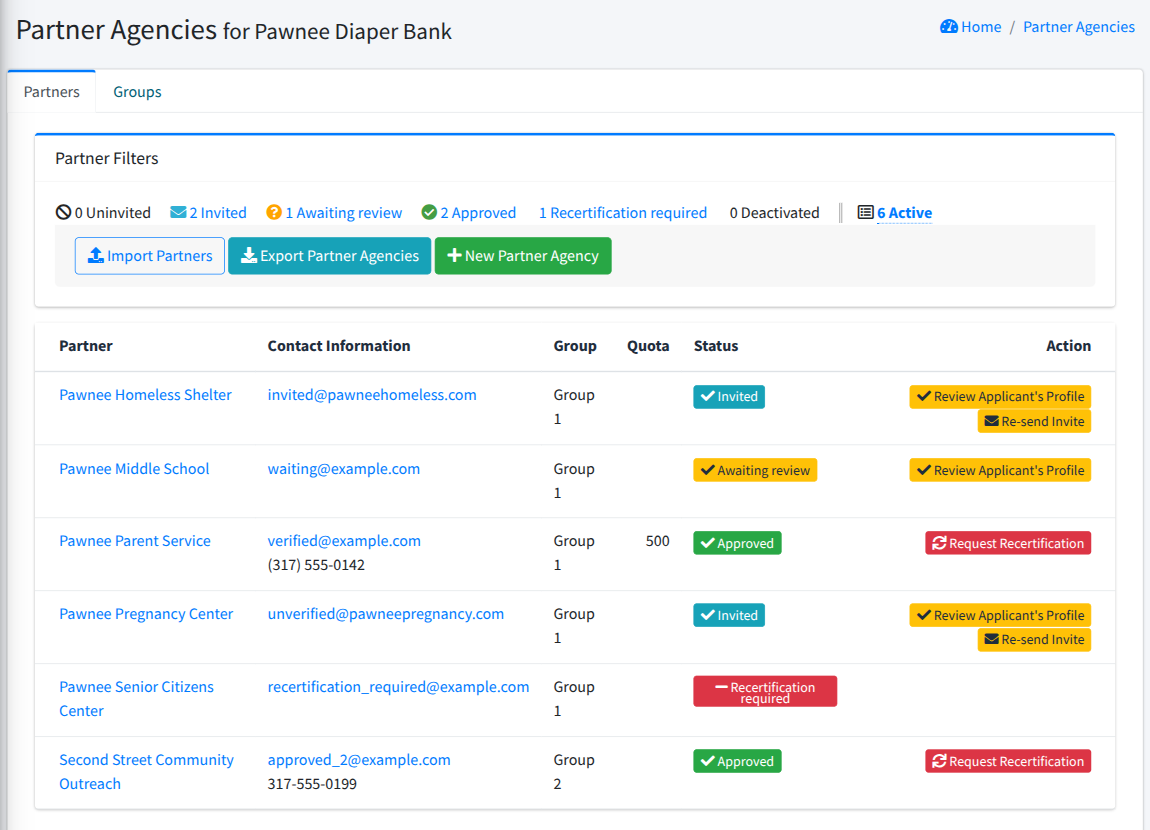
- Zipcodes - these are directly from the zipcodes entered in the Partner Profile 2/ You can see the prior Distributions for this partner, at the bottom of the view of the Partner. 3/ The Partner list (Partner Agencies, then All Partners) shows each Partner’s email and phone number (if you’ve entered one) under “Contact Information”. Click a Partner’s name to see their full details.
Prior: Administering partner usersNext: Partner announcements